

Data Point Installation Frankston
A wired network point in the room that needs it. Cat6 cable run through the wall or ceiling back to your router or a patch panel, terminated at both ends and tested before we leave. Fixed price before we start.
- 4.9 Google Rating
- Licensed & insured
- Every point Tested before we leave
- Cable Cat6, in the wall
- Pricing Fixed before we start
★★★★★
“Nick was punctual, friendly & helpful. He answered all my questions while on site & was quick to respond to my follow up queries.”
Catherine Kingshott, Google review Read it on Google
A cable beats Wi-Fi
A data point is a network socket on the wall, wired back to your router with Cat6 cable. Plug the computer, the TV or the games console into it and the connection is as fast as your internet allows, with none of the drop-outs Wi-Fi gets at the far end of the house.
Wi-Fi extenders and mesh systems move the problem around. A cable removes it. One point behind the desk or the TV fixes most homes. A point in every room is the right answer for a new build or a renovation while the walls are open.
We install data points across Frankston, the Mornington Peninsula and the south-east. The cable goes in the wall or the ceiling, not along the skirting. Every point is tested before we leave and you get a fixed price before we start.
What's in a data point installation
-
Route planned
Where the router is, where the point goes, and how the cable gets between them: roof space, wall cavity or under the floor.
-
Cat6 cable
Solid-core Cat6 run from the point back to the router or a patch panel. One cable per point.
-
Wall plate
A flush wall plate with an RJ45 socket, at power point height or behind the TV, wherever you want it.
-
Termination
Both ends punched down to the same wiring standard and labelled, so you know which room is which.
-
Testing
Every point tested for continuity and speed with a cable tester before we pack up.
-
Tidy finish
Holes no bigger than the plate, cable out of sight, plate straight.
Data points we install most
Five jobs cover most of the data work we do.
-
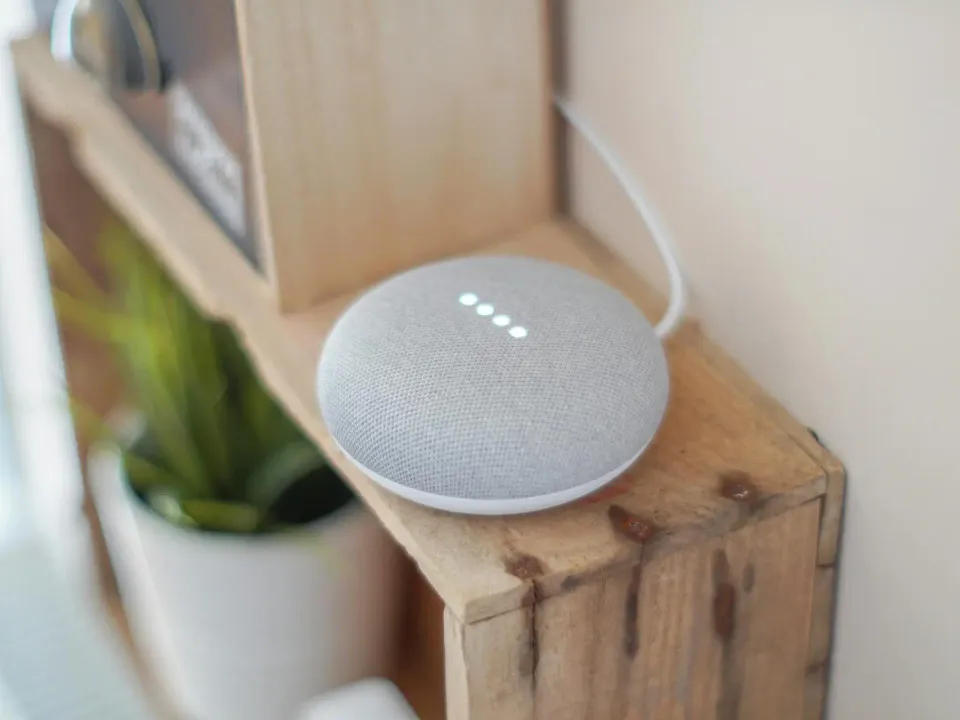
Home office
The desk at the far end of the house, where video calls freeze.
- Point mounted beside the desk
- Cable run through the roof or the wall cavity
- Second point for a printer or a dock if you want one
- Tested at full speed before we leave
-

Behind the TV
A wired point for the smart TV, the games console and the streaming box, so 4K does not buffer.
- Point mounted behind the TV, out of sight
- Small switch added if several devices need to plug in
- TV point and antenna cabling done on the same visit if needed
- Cable in the wall, not down the skirting
-
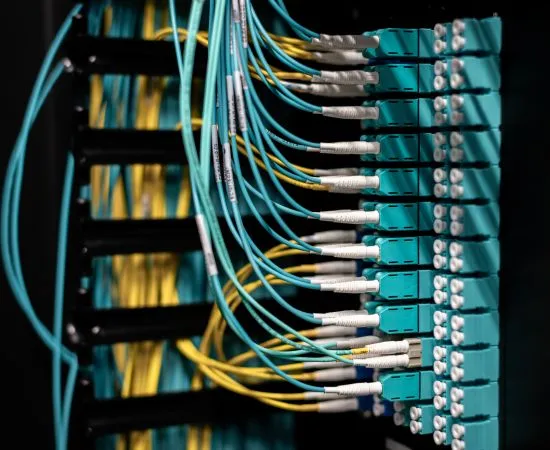
Whole-house cabling
New builds and renovations, while the walls are open.
- A point in every bedroom, the living room and the study
- All cables back to one patch panel in a cupboard or the garage
- Room for the router, the NBN box and a switch in one spot
- Labelled and tested, ready for the plasterer
-
Wi-Fi access points
Where the Wi-Fi is bad, a cabled access point fixes it. An extender does not.
- Cat6 run to the ceiling or wall position with the best coverage
- Access point powered through the same cable
- One network name through the whole house
- Old extenders switched off
-

Sheds, studios and granny flats
A run to the shed or the flat out the back so it is on the house network.
- Cable run in conduit outside
- Point or access point at the far end
- Done alongside power to the shed where both are needed
- Starlink dish cabling run the same way
How we install data points
- Cable
- Cat6, solid core, one cable per point
- Route
- In the roof, the wall or under the floor. Conduit outside. Never along a skirting board
- Termination
- Punched down at both ends to one standard, labelled at the panel
- Testing
- Every point tested with a cable tester before hand-over
- Patch panel
- Fitted where there are more than a few points, so everything comes back to one place
- Finish
- Plate straight, holes no bigger than the plate
- Pricing
- Fixed before we start. Extra points on the same visit cost less each
Signs you need a cable, not another extender
- Video calls freeze in one room and work fine in another
- The Wi-Fi extender made things worse
- A cable runs along the skirting board because nobody wanted to go in the wall
- The TV buffers at night when everyone is home
- Online games lag even though the internet plan is fast
- The home office is at the opposite end of the house from the router
What's in scope
Included
- Cat6 cable from the point to the router or the patch panel
- Wall plate and socket at the point
- Termination at both ends, labelled
- Testing of every point
- Patch panel where several points come together
- Fixed written price
Not included
- Your internet plan or the NBN connection itself
- The router, switch or access point, unless you ask us to supply them
- Patching and painting where a wall has to be opened
- Relocating the NBN connection box, which goes through your internet provider
How the job runs
-
Step 1: Tell us the rooms
Which rooms, where the router is, and whether there is roof access. We quote a fixed price.
-
Step 2: Plan the run
On the day we confirm the route and the plate position with you before we drill.
-
Step 3: Run the cable
Through the roof, the wall or the floor. Conduit where it goes outside.
-
Step 4: Terminate and label
Both ends punched down, plate fitted, panel labelled.
-
Step 5: Test and hand over
Every point tested. We plug your device in and show you it working.
Why book Streamline
-
Cable in the wall
Not along the skirting. We have the rods and the drills to do it properly.
-
Tested, not assumed
A cable tester on every point. You see the result.
-
Power on the same visit
If the desk or the shed needs a power point as well, we do both while we are there.
-
Local
Based in Frankston North. Most jobs are a short drive.
Data point installation for Frankston and Peninsula homes
Streamline Electrical & Data is a Frankston-based team working across the Mornington Peninsula and the south-east. Data points are one of the most common jobs we do, mostly for people working from home.
Home offices
Working from home put the desk in the room with the worst Wi-Fi in a lot of houses around Frankston, Seaford and Carrum Downs. A data point fixes that for good. The call does not freeze, the file uploads, and the Wi-Fi is left for the phones.
One cable or a mesh system
Mesh Wi-Fi helps in a big house. It helps more when each mesh unit is cabled back to the router instead of talking to the others over the air. If you are buying mesh, have us run the cables first. The system then works the way the box promised.
New builds and renovations
While the walls are open, a point in every room costs a fraction of what it costs to retrofit later. We run everything back to one patch panel, label it, and leave it ready for the plasterer. Tell your builder before the plaster goes on.
TV points, antennas and cameras
The same visit can cover a TV point, an antenna fix or the cabling for security cameras, which run on the same Cat6 cable and take their power through it.
Frequently asked questions
What is a data point?
Why is a cable better than Wi-Fi?
What cable do you use?
How much does a data point cost?
Can you fix the Wi-Fi as well?
Can you do several points at once?
Do you do new builds and renovations?
Can you run a cable to a shed or granny flat?
Which areas do you cover?
Related services
Smart home installation
Smart switches, lighting scenes, sensors and app control that actually work day to day.
Explore

Book a data point install
Tell us which rooms. Fixed price, cable in the wall, tested before we leave.